



How to Protect Your Play Now Account in 4 Simple Steps
To help players enjoy a worry-free experience across our titles, VNGGames is introducing a quick guide on how to protect your Play Now (Chơi Ngay) account in just 4 steps. Once completed, you can easily recover your account, switch devices, or update your game without the risk of losing your data.
Benefits of Protecting Your Play Now Account
A Play Now account lets players jump into the game with a single tap, without going through a complicated sign-up process. However, if it is not linked to an email and password, this type of account may be at risk in certain situations, such as when switching to a new device or updating the game to a newer version.
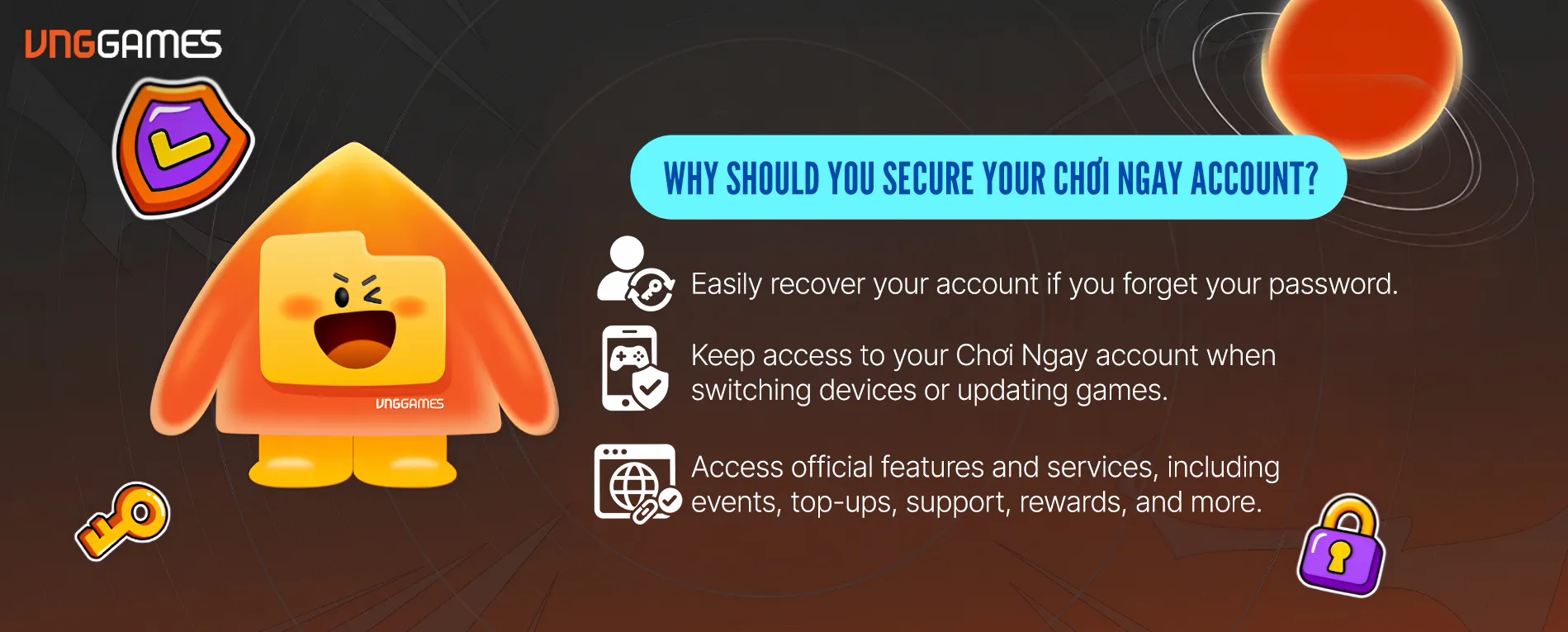
Protecting your account allows you to regain access on your own if you forget your password, while keeping all your data and game progress safe when changing devices. In addition, a protected account can be used to log in to VNGGames’ official platforms, including event pages, top-up channels, the support center, and reward programs.
Supported Games

The Play Now login method and the Play Now account protection feature are currently available in 20 games published by VNGGames, including Võ Lâm Truyền Kỳ Mobile, Võ Lâm Truyền Kỳ 1 Mobile, Võ Lâm Truyền Kỳ MAX, Gunny Mobi, Gunny Origin, Tân Thiên Long Mobile, and Thiên Long Bát Bộ 2, along with Three Kingdoms-themed titles such as OMG 3Q, Tân OMG3Q VNG, Danh Tướng 3Q, and Thiếu Niên 3Q. Players of Play Together, Zingspeed Mobile, Ngôi Sao Thời Trang, GunPow, Kiếm Thế Origin, MU Awaken VNG, Ngọa Long Mobile, Revelation, and Metal Slug can also use this feature.
How to Protect Your Play Now Account
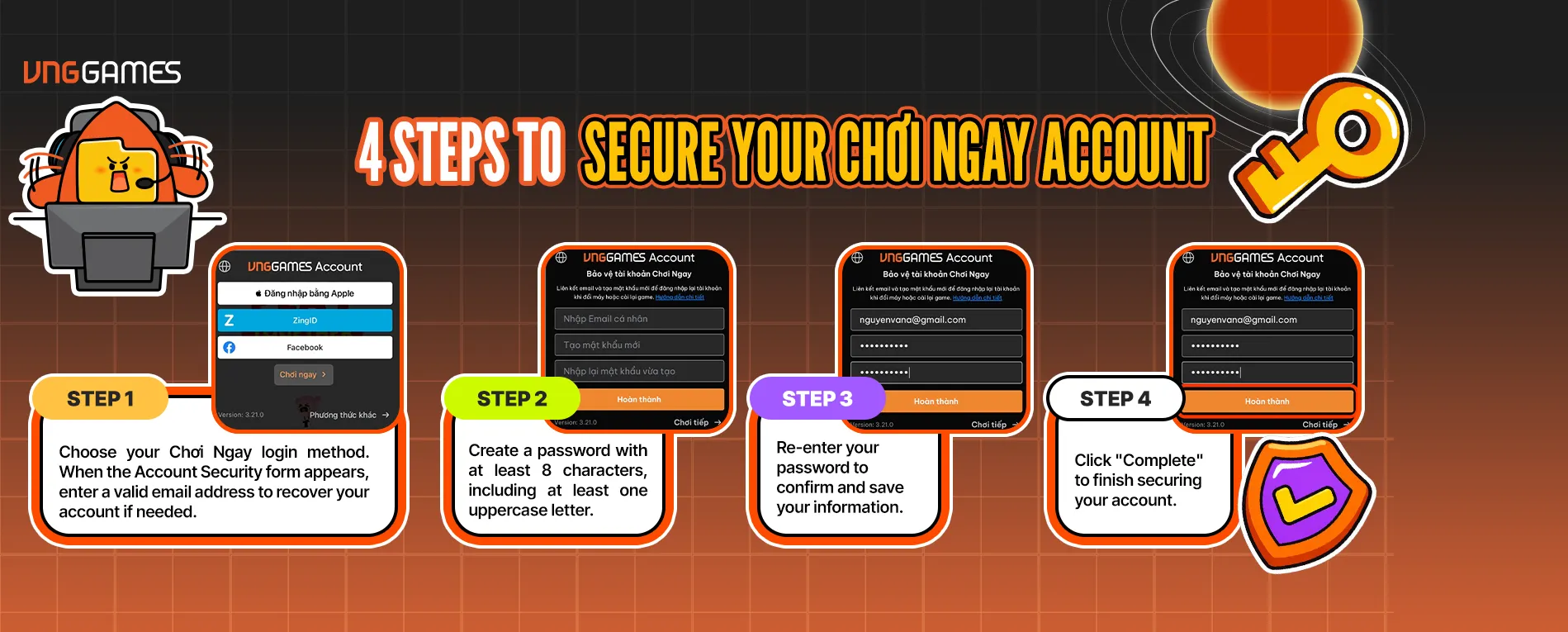
- When the Account Protection form appears in the game, the first step is to enter the email address you currently use. This email will receive the recovery link whenever you need to regain access to your account.
- Create a password for your account. For security purposes, the password must contain at least 8 characters, including at least one uppercase letter.
- Re-enter the password you just created in the confirmation field so the system can verify and save your information.
- Tap “Complete” to finish the process. Your Play Now account is now protected, and you can continue playing as usual.
Important Notes
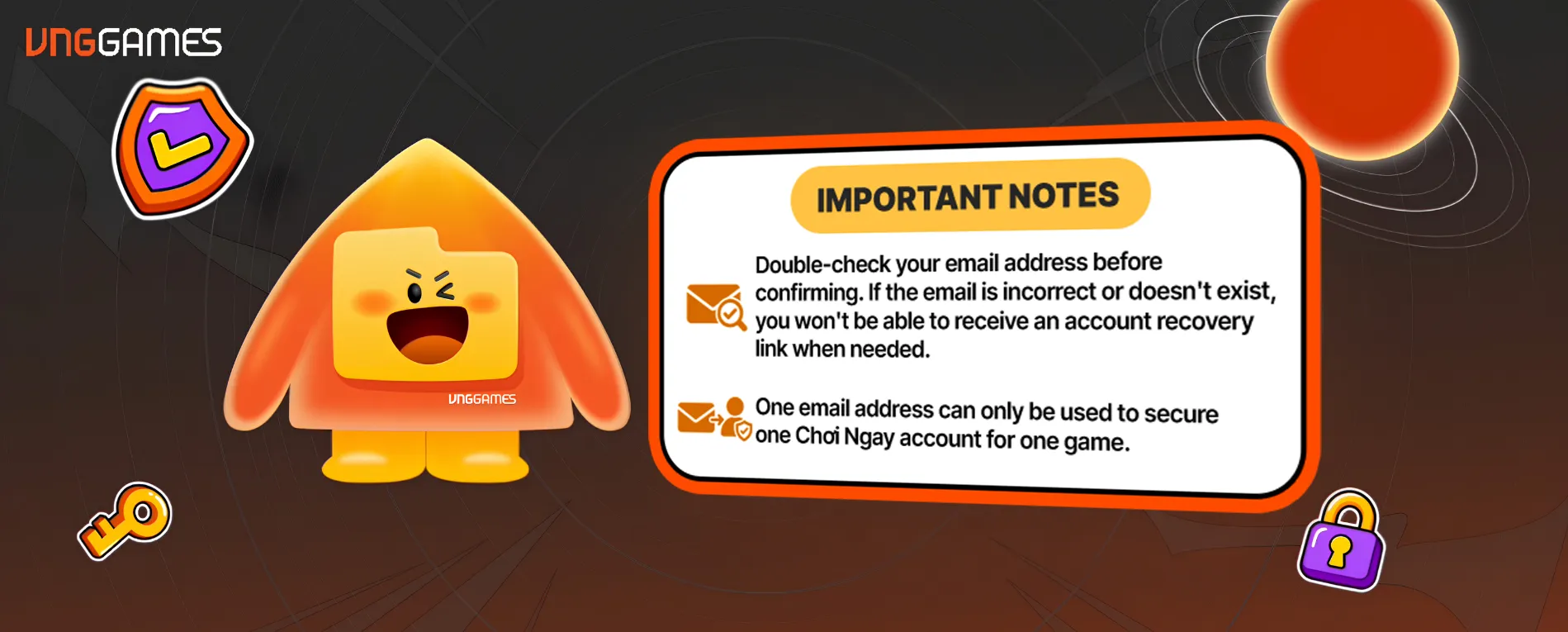
Please double-check your email address before confirming. If the email is entered incorrectly or does not exist, you will not be able to receive the recovery link when you need to regain access to your account. In addition, each email address can only be used to protect one Play Now account for one game.
Logging In on Another Device / Changing or Recovering Your Password
Once your account is protected, you can easily log in to your Play Now account on a new device as follows:
- At the VNGGames Account login form, select “Other methods”
- Select “Recover Play Now account”
- Enter the email and password you registered during the account protection step.
- Tap “Confirm”
Your Play Now account is now ready to use on the new device, with all your data and game progress intact.
If you forget your password, follow similar steps:
- At the VNGGames Account login form, select “Other methods”
- Select “Recover Play Now account”
- Select “Forgot password”
- Enter the exact email used to protect your account and tap “Confirm”
The system will send a password recovery link to that email inbox. Simply open the email and follow the instructions to set a new password.
With just a few simple steps, you can protect your account and fully enjoy your experience across VNGGames titles. Players are encouraged to protect their account as soon as the form appears to avoid any unwanted risks.